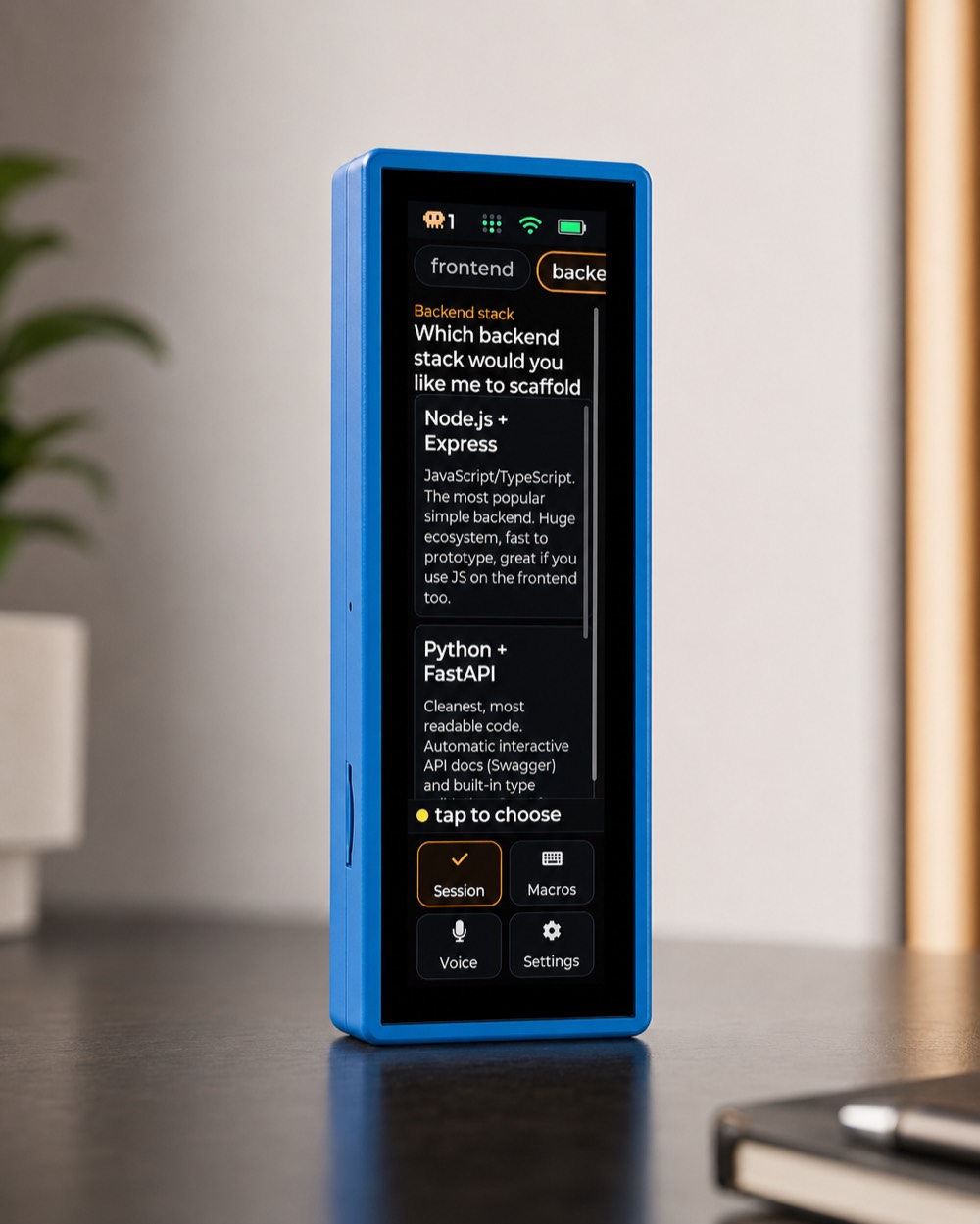
Tap to
answer.
Claude asks a question. The options appear on a little touchscreen on your desk — and you just tap.
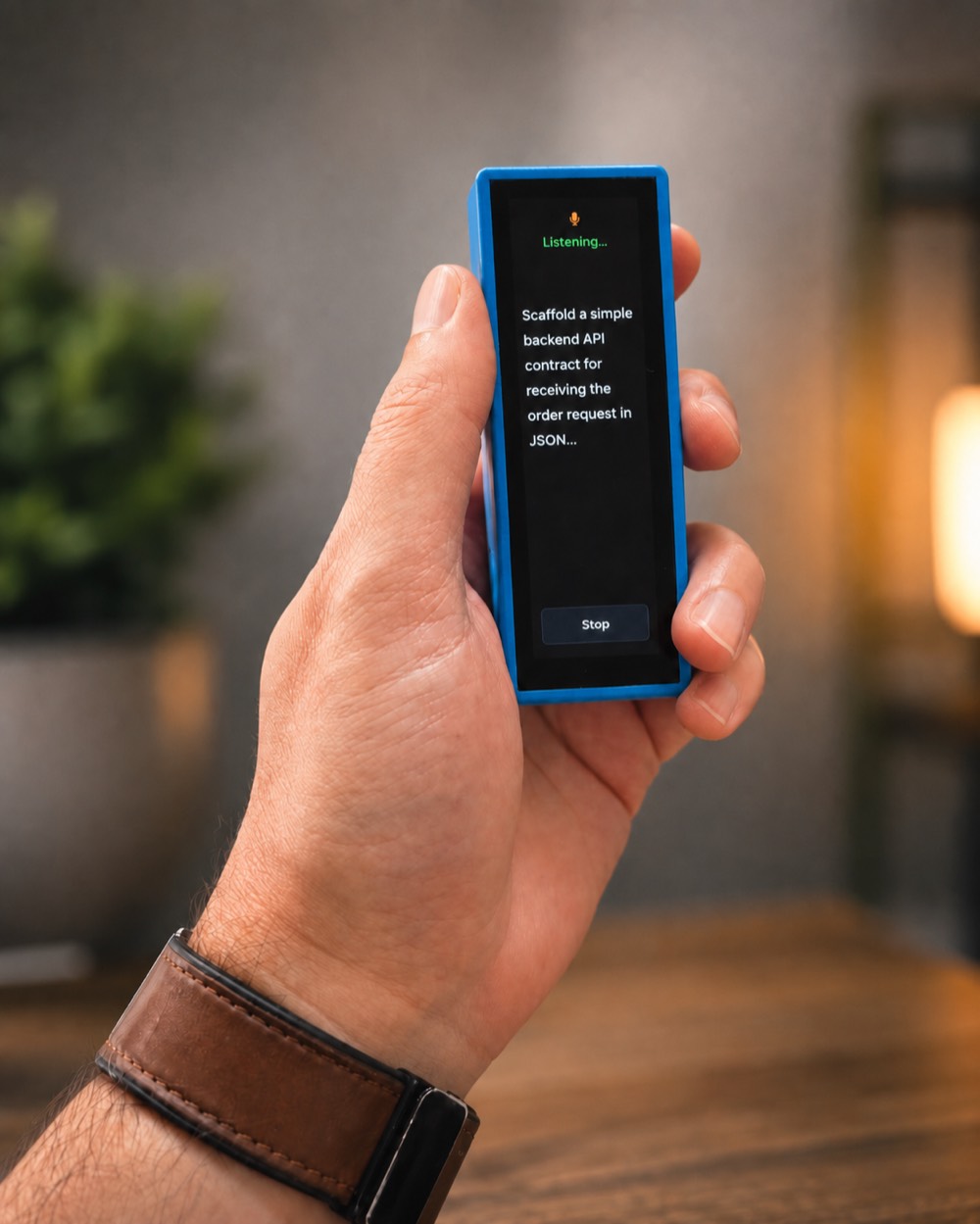
Just
say it.
Tap the mic and speak. Read the transcript, then Send — dictate a whole instruction to Claude without touching the keyboard.
- Transcribed on the device with whisper.cpp — no API key, nothing leaves the room.
- Review every word before it goes; Send or Cancel.
- Great for long prompts you'd never want to thumb-type.
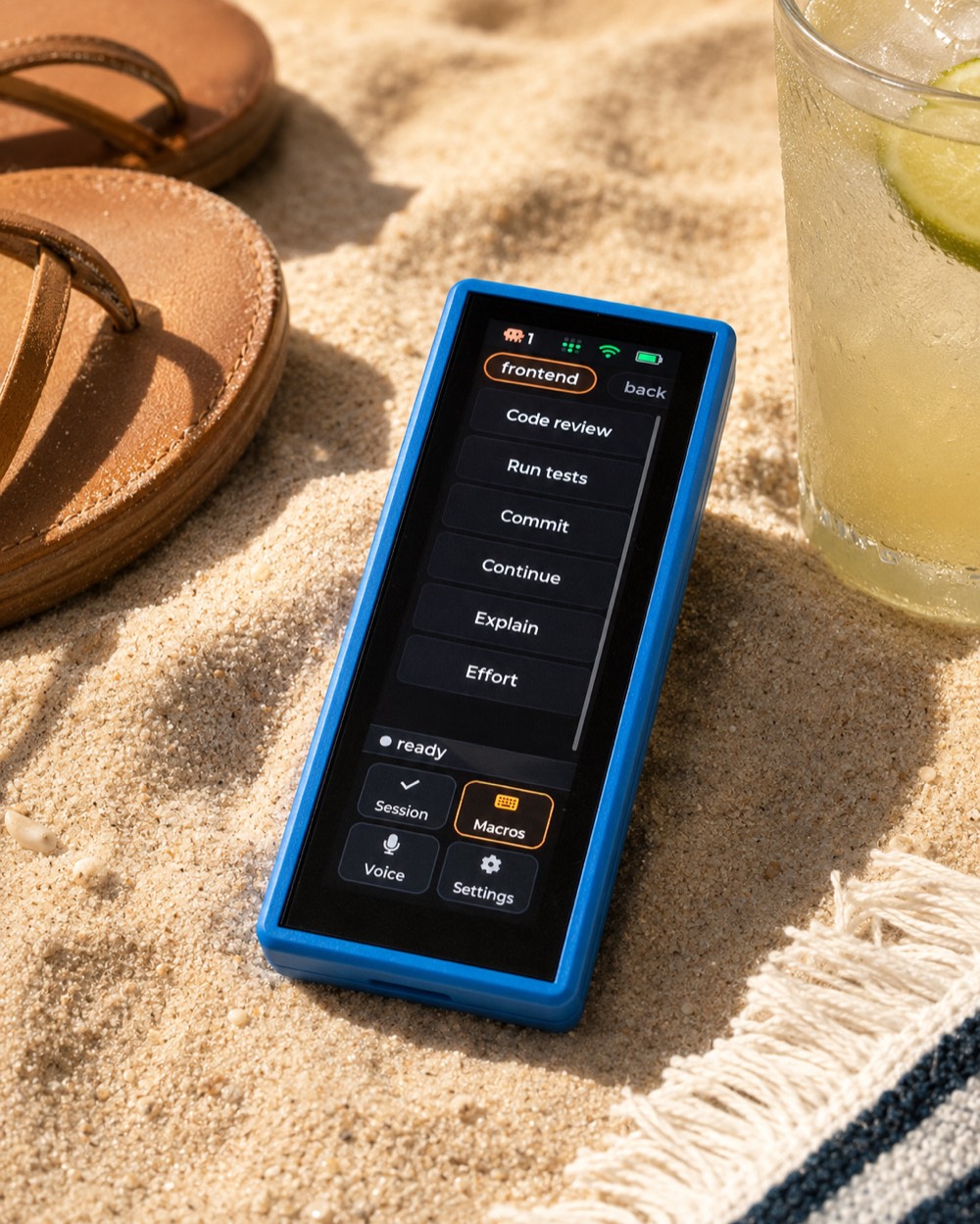
One tap.
Whole prompt.
Code review, run tests, commit, explain — your saved prompts and slash-commands, each a single tap into the focused session.
- Fire a favourite prompt from the beach, the couch, anywhere the deck reaches.
- Edit
bridge/macros.json— your own id, icon, label and prompt.
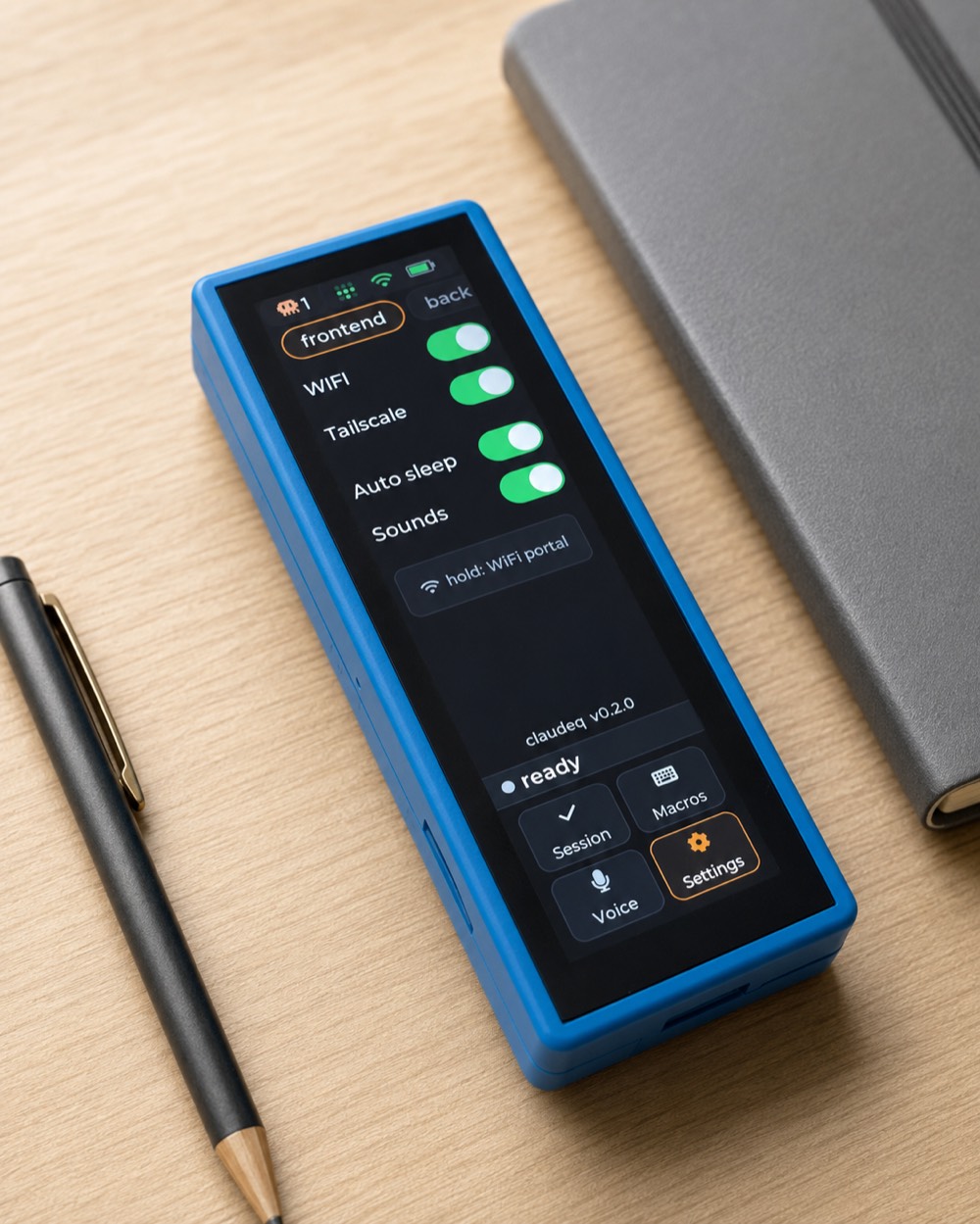
Set it once.
WiFi, Tailscale, auto-sleep, sounds — every setting lives on the deck. Join a network from your phone through a captive portal; no rebuild to switch.
- Hold “WiFi portal” to move it to a new network, anywhere.
- Finds every bridge by mDNS — and merges sessions across your machines over Tailscale.
It updates itself.
Over the air.
Tap Check for update in Settings and the deck pulls fresh firmware straight from GitHub over HTTPS — no cable, no computer, a progress bar, and an automatic rollback if anything so much as blinks. The last time you'll reach for USB.
- Tap to answer — Claude's AskUserQuestion options appear on-screen; multi-question prompts step through each.
- Live activity feed — A running view of what Claude is doing — reading, editing, running, thinking — and its replies.
- Every session, one screen — Each Claude session is a chip; the one that needs you glows and auto-focuses.
- Across your computers — Decks auto-discover every bridge over mDNS and your Tailscale tailnet, merging all sessions.
- Approve before it sends — Voice and macros show a Send / Cancel — nothing reaches Claude until you say so.
- Speaker alerts — It chirps when Claude needs you. Mutable, and it still notifies while locked.
- Lock for your pocket — Hold BOOT: screen dark, touch and events ignored — a stray tap can’t drive Claude.
- Low-power standby — Auto-sleep dims the backlight after ~60s; it wakes on a question, an alert, or a touch.
- On-device setup — WiFi and Tailscale are entered on the deck through a captive portal — no rebuild to switch networks.
- A battery gauge — Green to amber to red as it drains, right in the top bar next to WiFi and Tailscale.
No compiler.
No ESP-IDF.
From a sealed box to a working deck in about five minutes — no toolchain, no SDK, nothing to build. The one cable you'll ever need: every update after is over the air.
- 1
Flash from your browser
Open the flasher in Chrome or Edge, plug in over USB-C, click Install. About thirty seconds, nothing to download.
- 2
Install the bridge
Homebrew pulls node, tmux and ffmpeg and puts claudeq on your PATH.
- 3
Join WiFi on the device
First boot opens a Claudeq-setup hotspot — join from your phone, enter your 2.4 GHz network, save. It finds every bridge by mDNS.
- $
$ brew install Positronico/tap/claudeq
$ cd ~/my-project
$ claudeq   # instead of `claude`
claudeq is open source under the MIT license. Firmware flashes over WebSerial in Chrome or Edge, then
updates itself over the air. The device↔bridge link isn't authenticated yet — run it only on networks you
trust. Plain claude is left untouched. Waveshare and Claude are trademarks of their respective owners.